Know every rahina, right in the palm of your hand.
Wuku, sasih, rahinan, and holy day reminders — now with Indonesian national holidays, iCloud backup, and a fresh new look.


Fresh look, simpler days.
A refreshed design, easier reminders, and the features you've been asking for.
- 01
Refreshed design
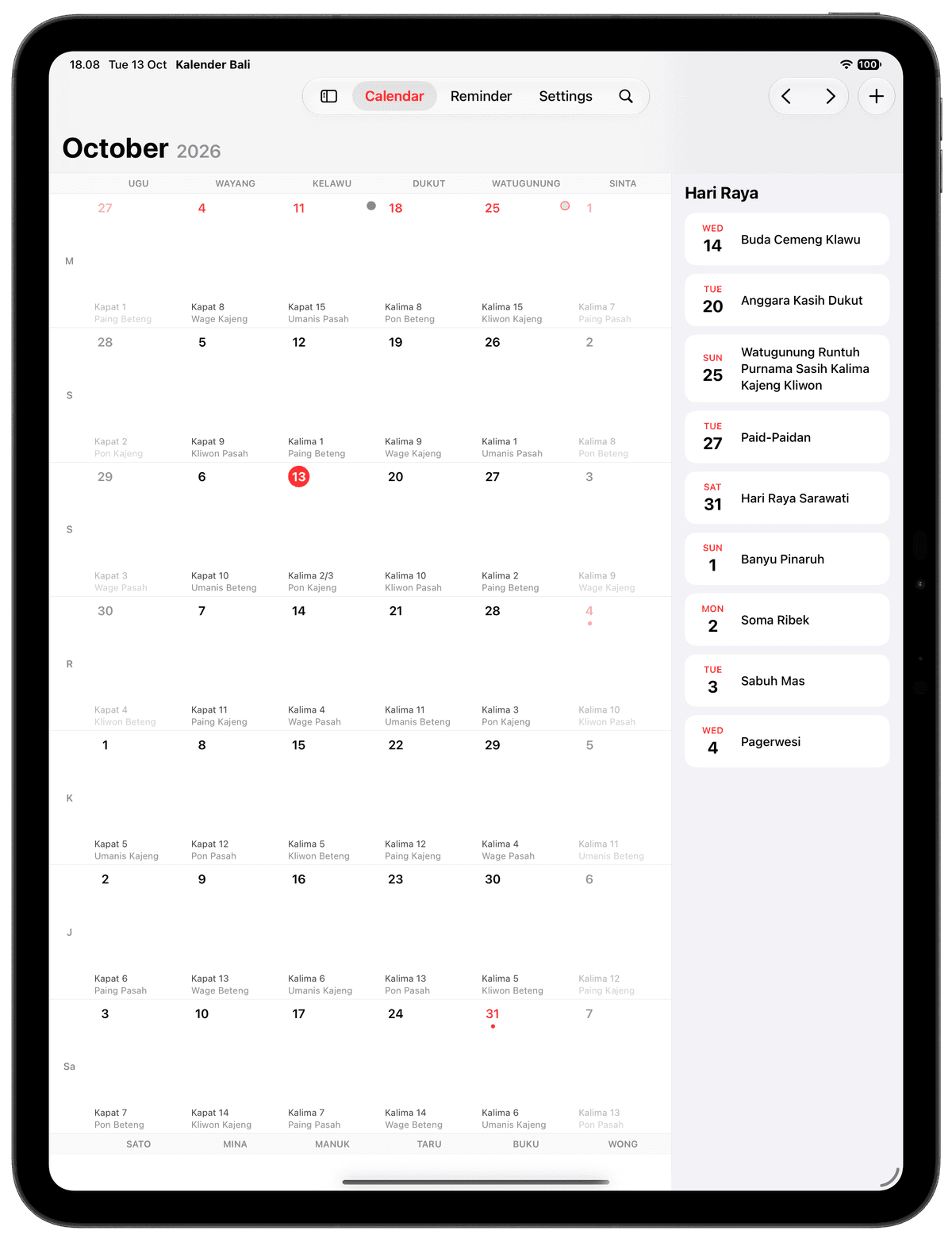
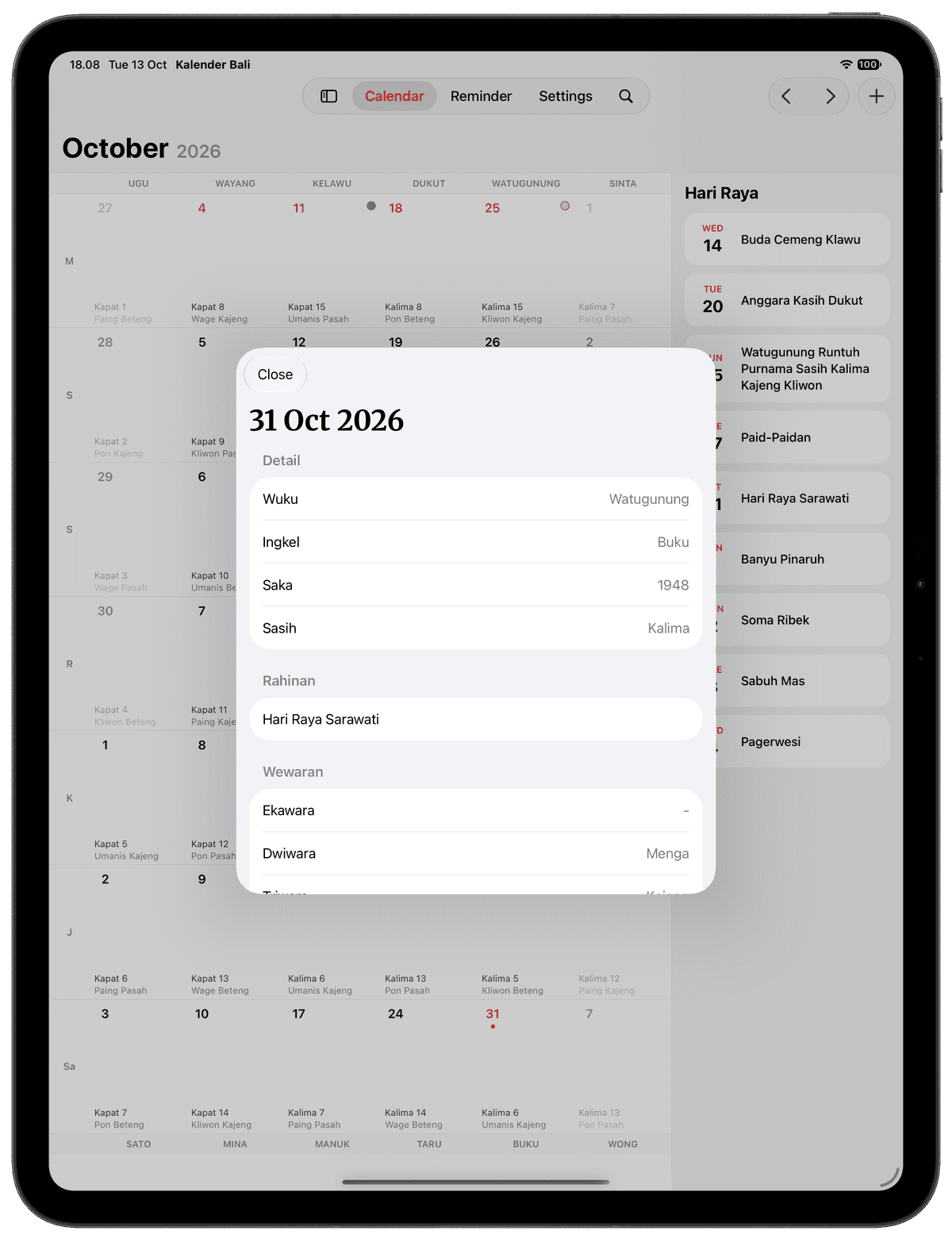
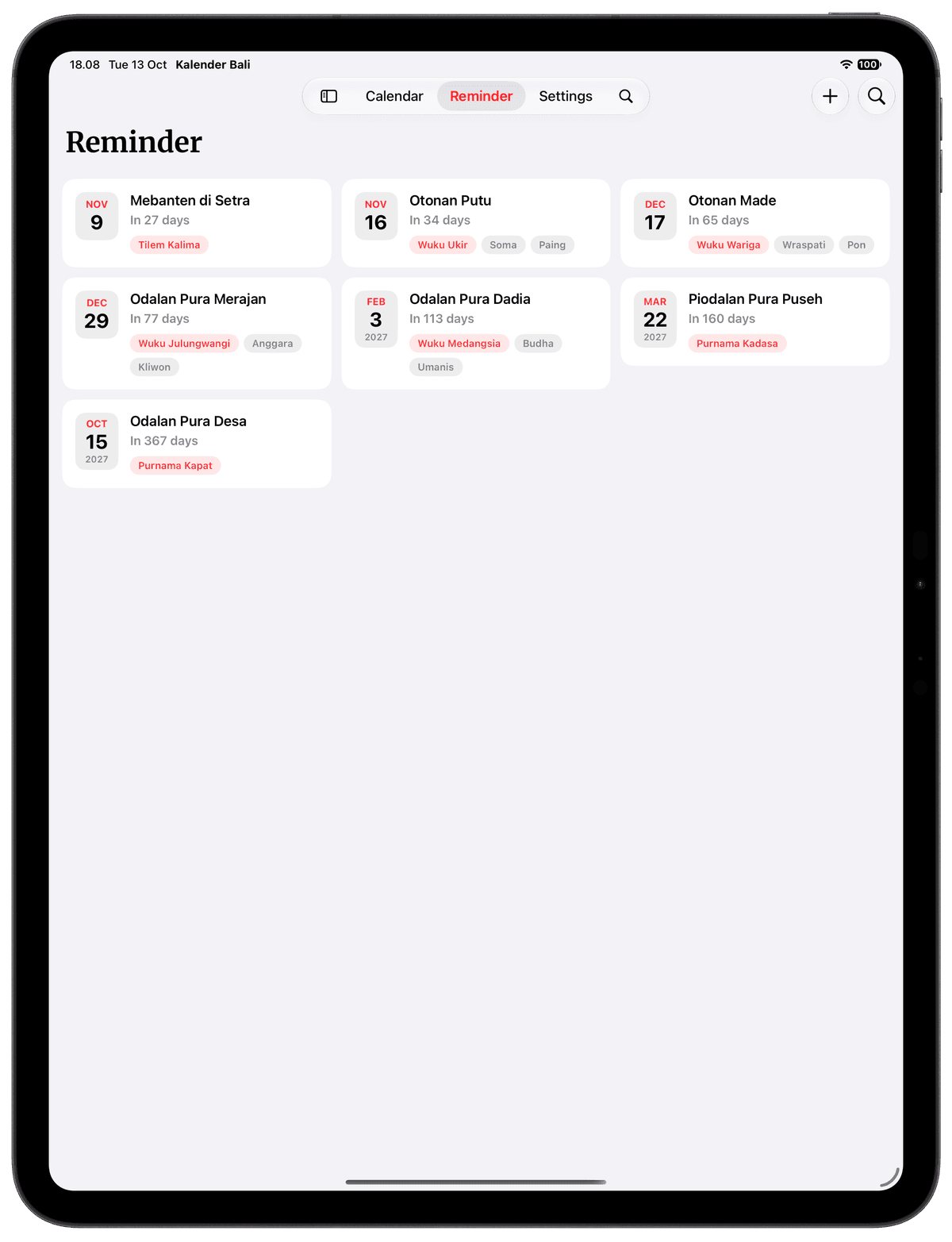
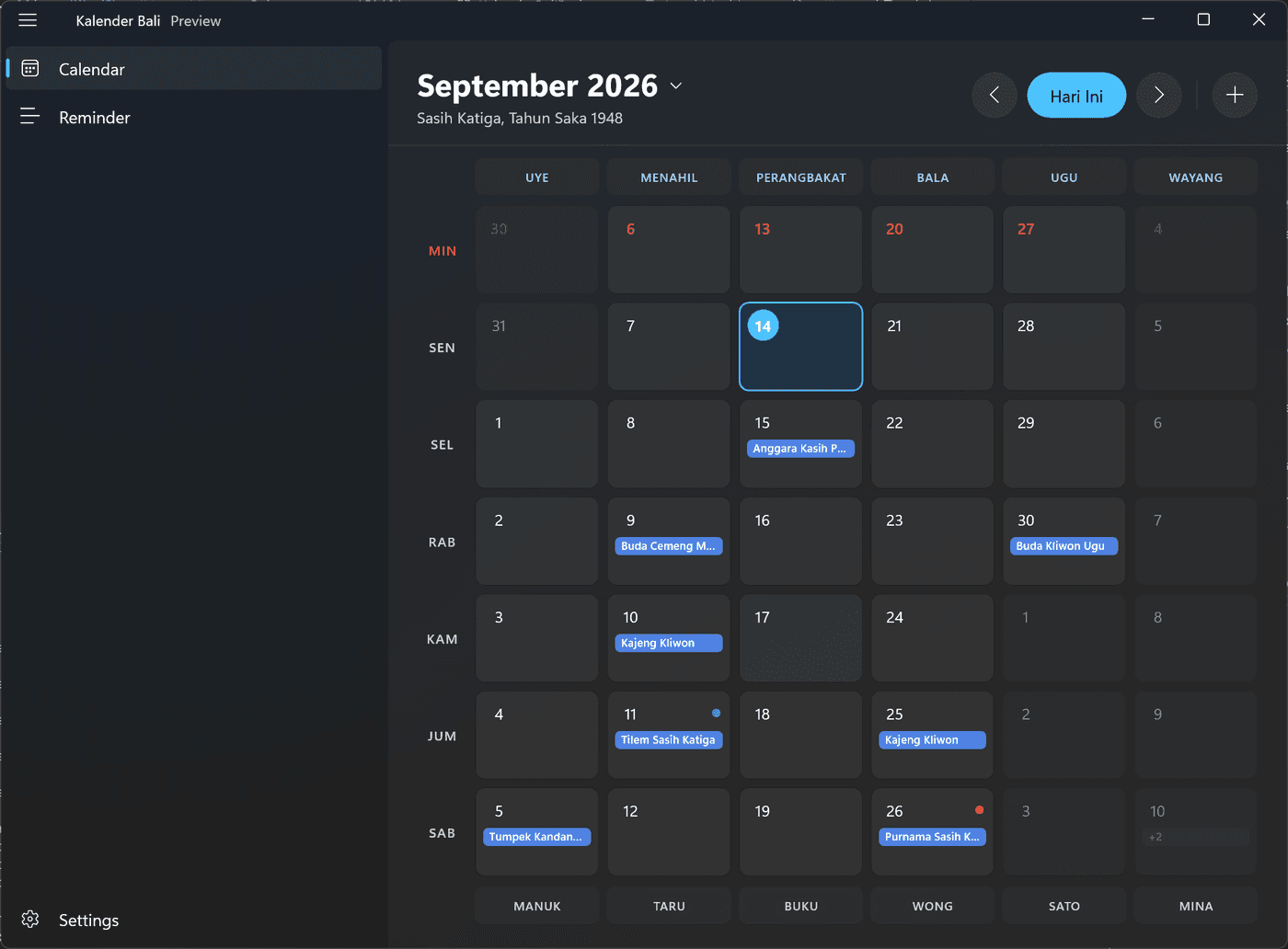
A cleaner Calendar, Reminder list, and Create Reminder, with rahina details one tap away.
- 02
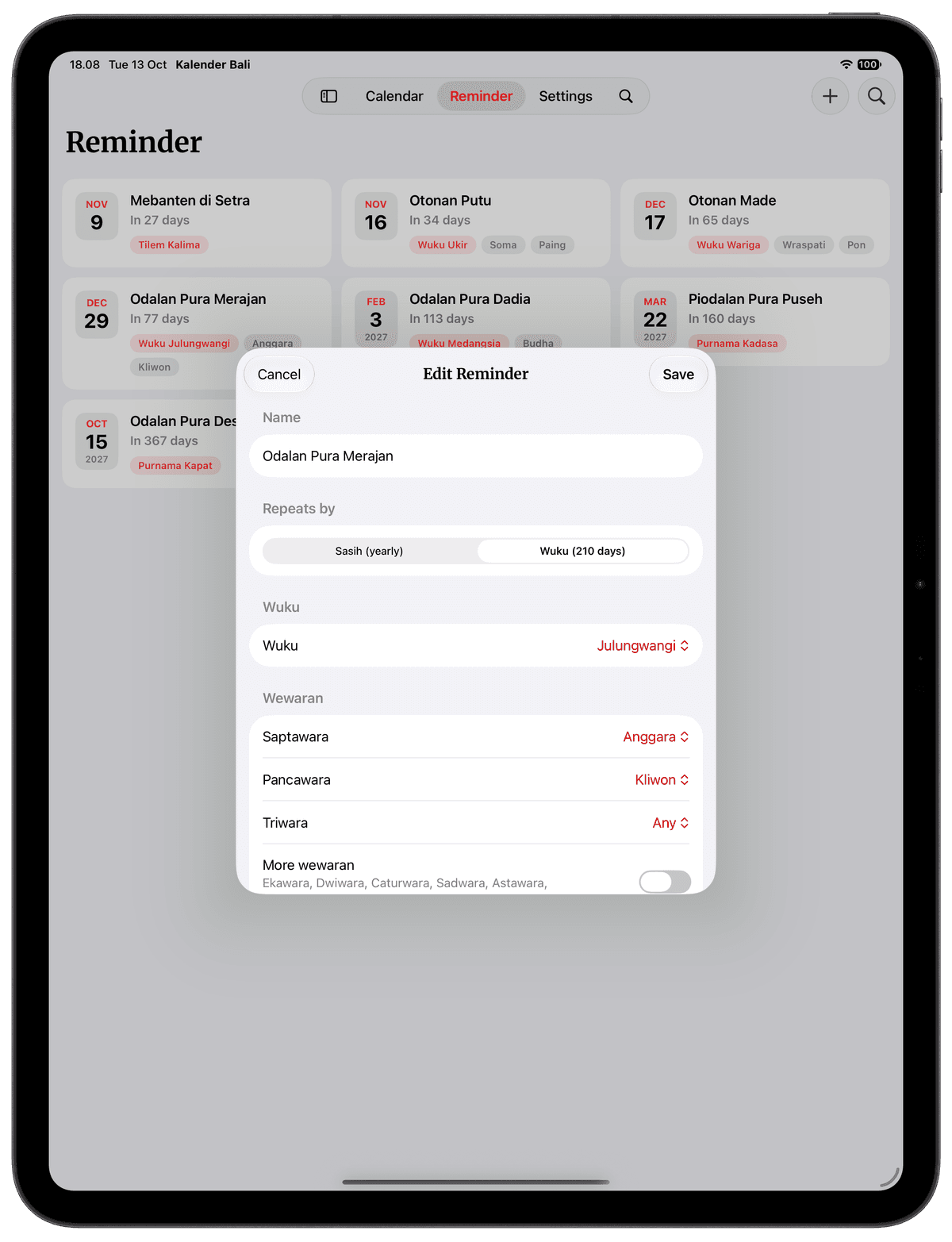
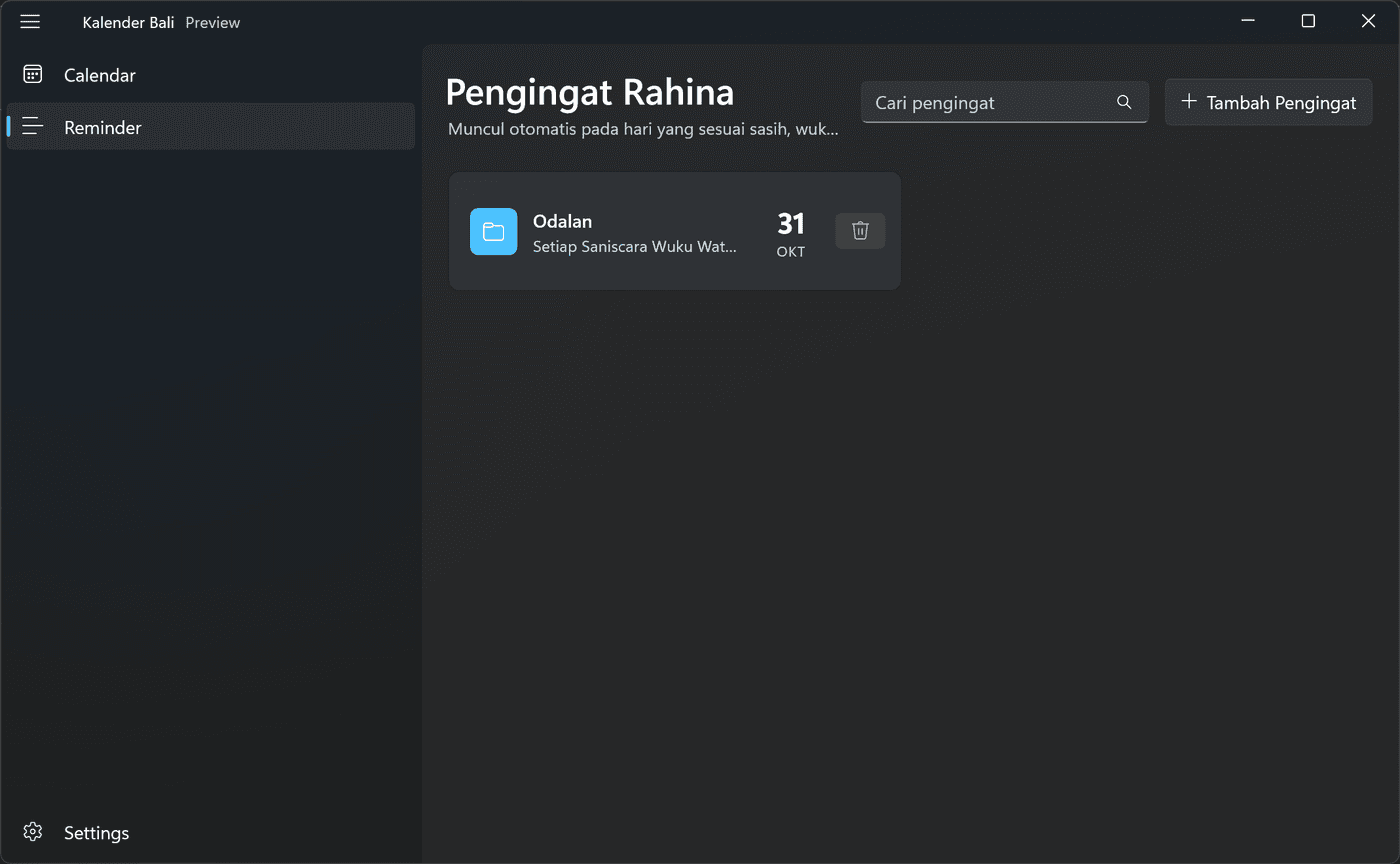
Simpler reminders
Repeat by sasih or by wuku, pick the wewaran, and you're done.
- 03
Indonesian holidays
National holidays and cuti bersama, right on your calendar.
- 04
iCloud backup
Your reminders are backed up to iCloud and kept in sync across your devices.
- 05
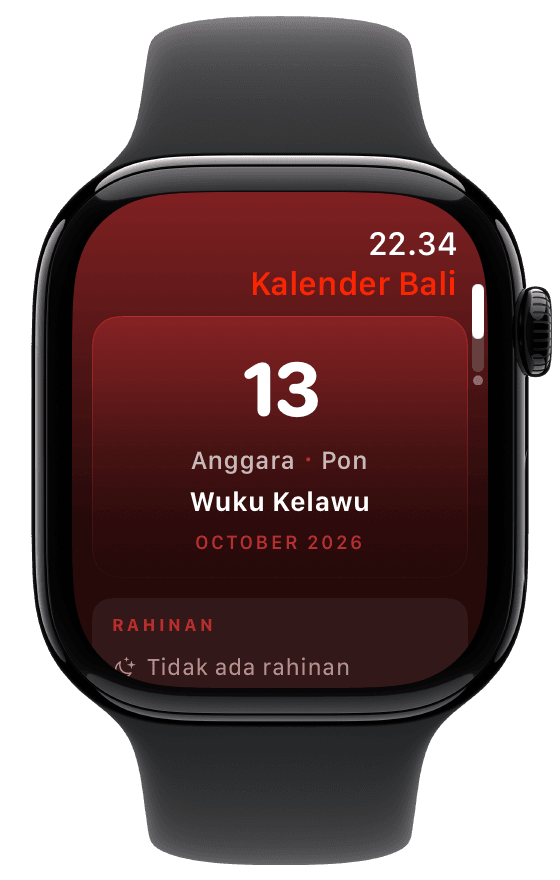
New Apple Watch look
Today's rahina, upcoming rahinan, and a Smart Stack widget.
- 06
Updated widgets
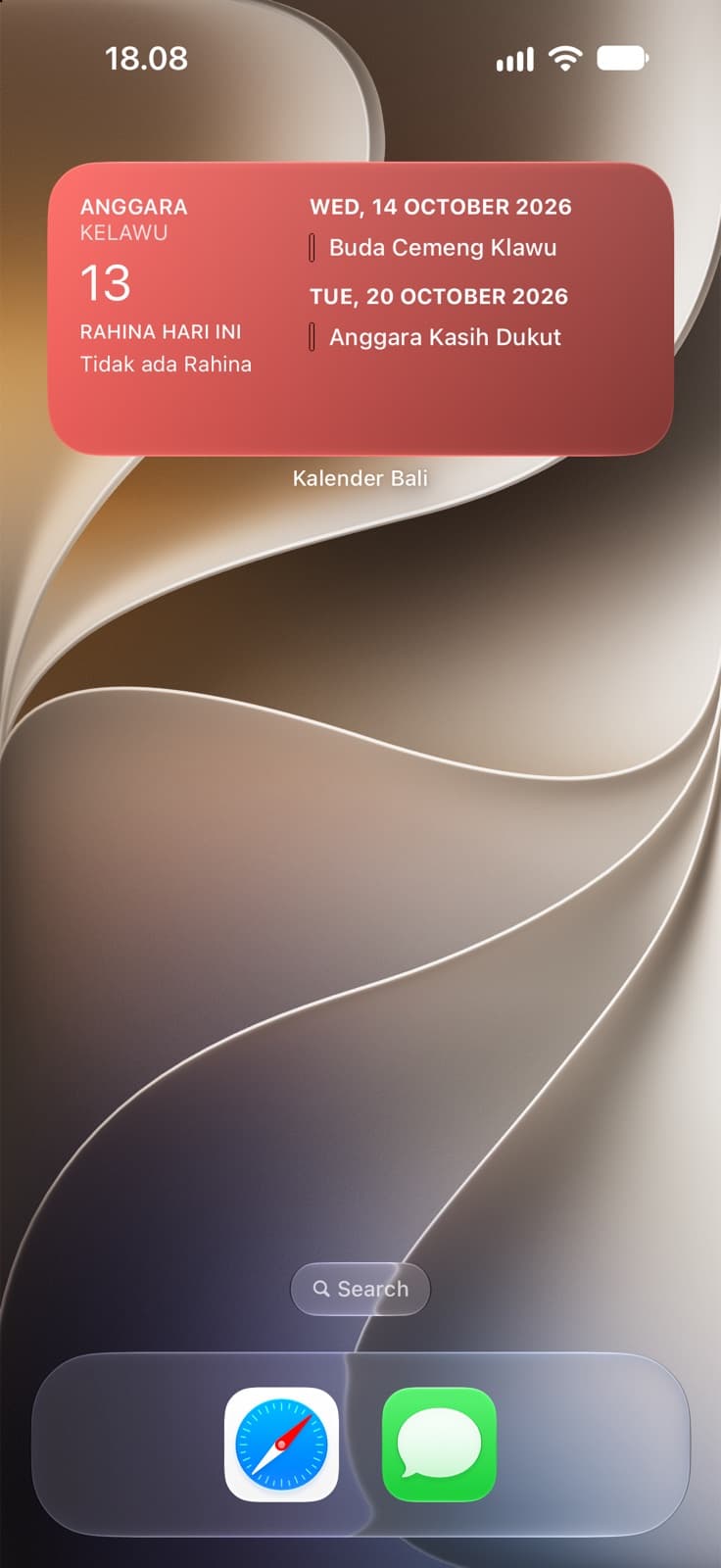
A new widget design that shows today and the next holy days.
- 07
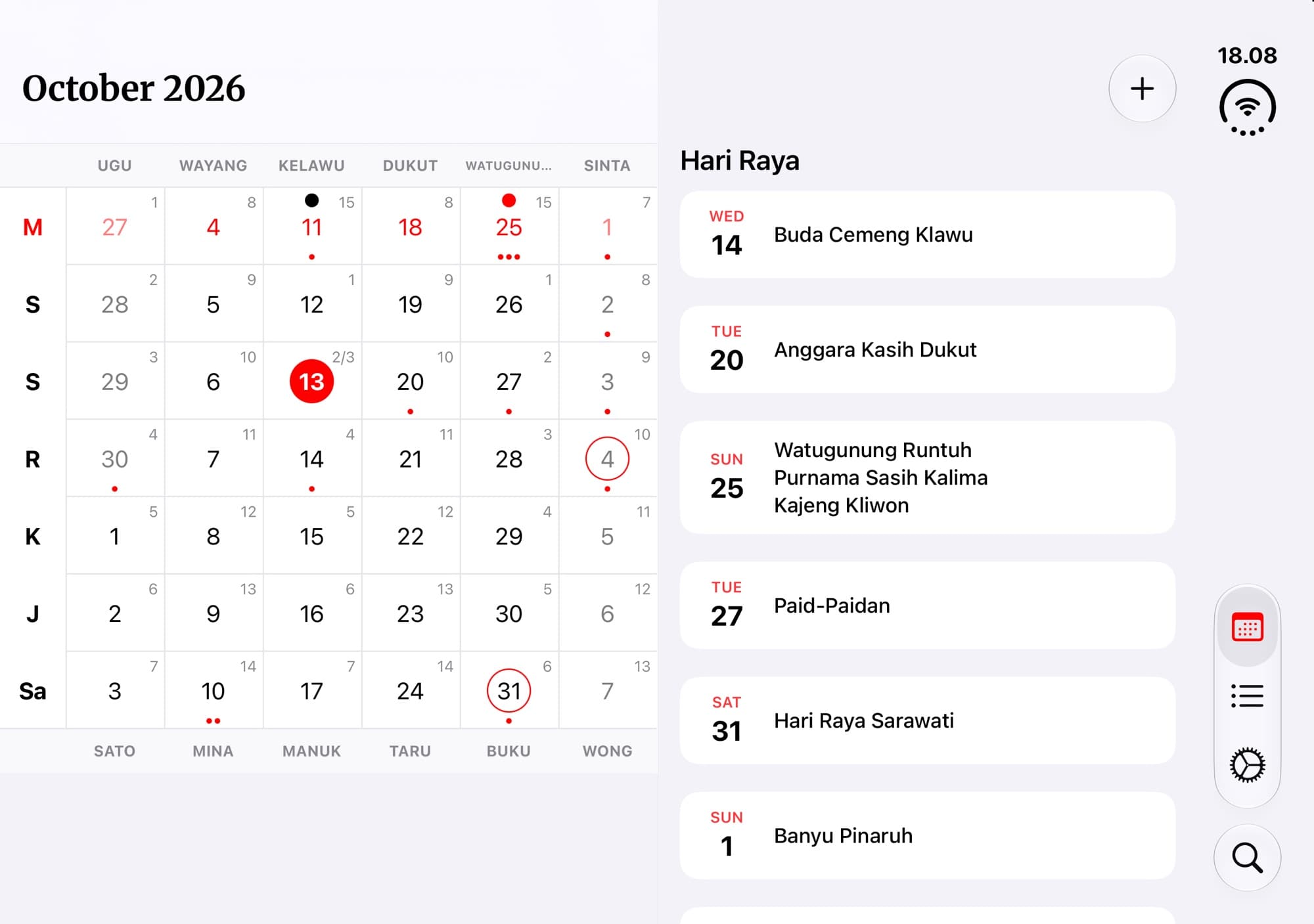
iPhone Duo support
The calendar and upcoming hari raya side by side on the wide display.
Plus plenty of smaller fixes and improvements.
Read the changelog
One app. Every device.
Kalender Bali is native across the whole Apple ecosystem — and now on Windows, too.
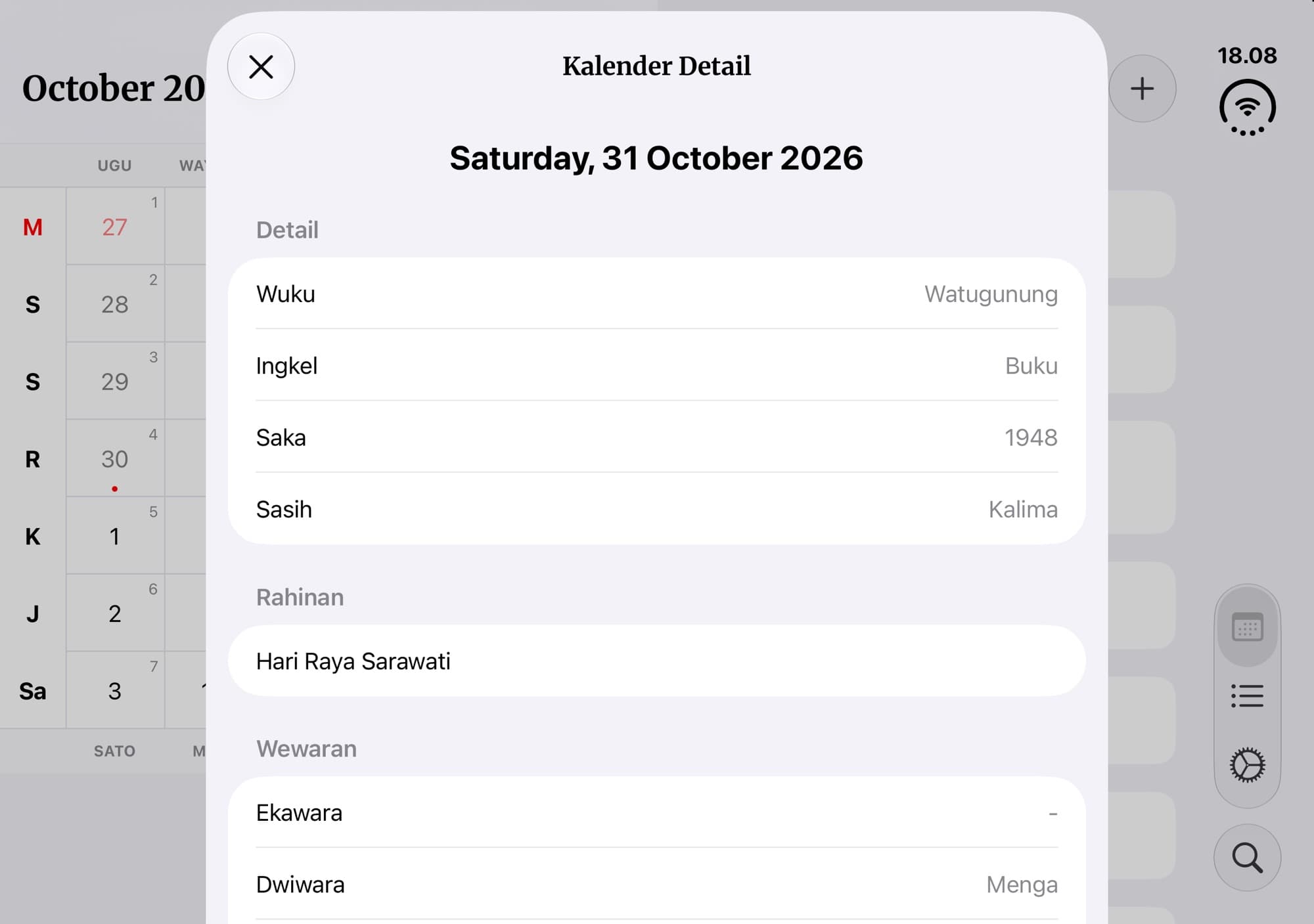
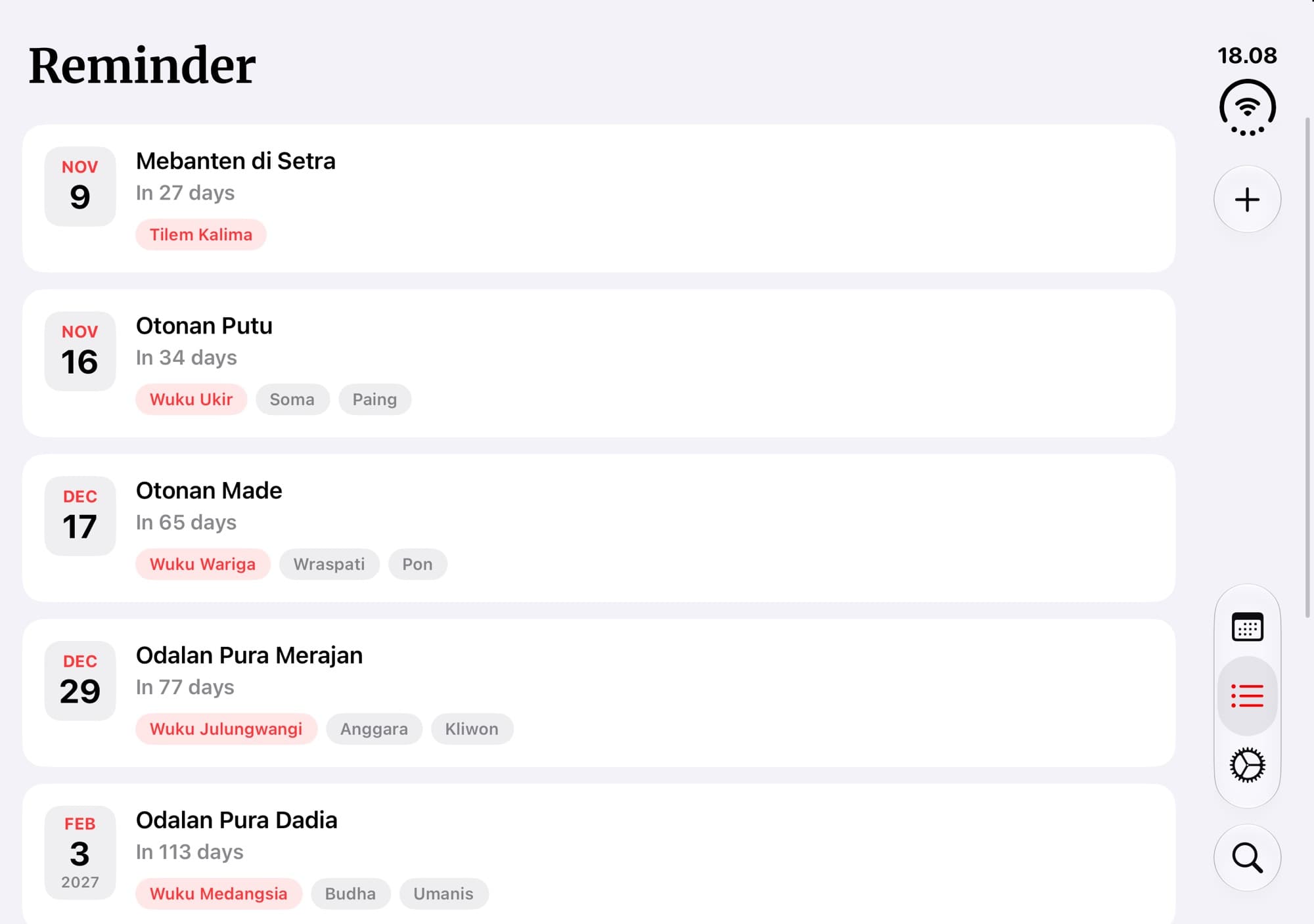
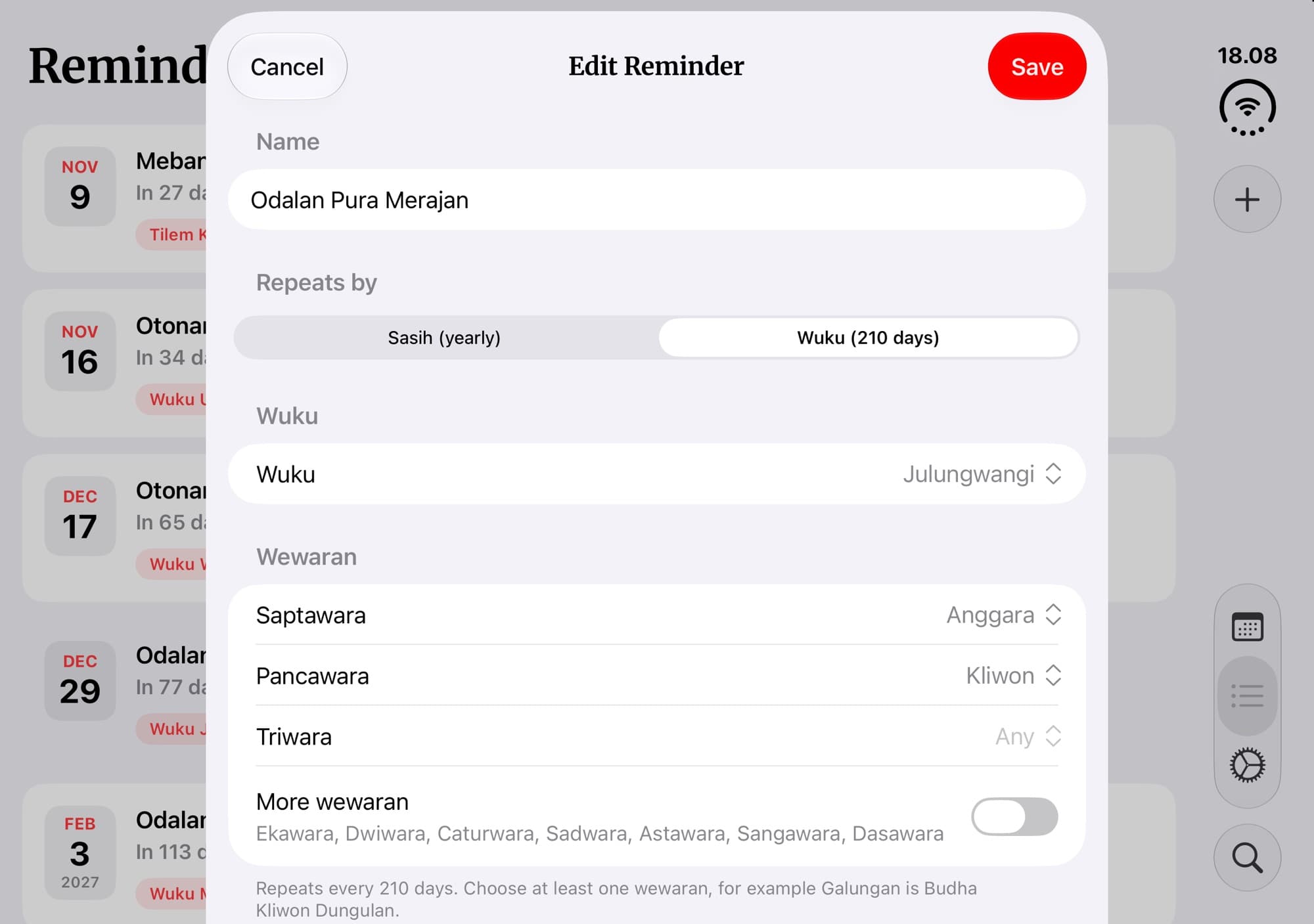
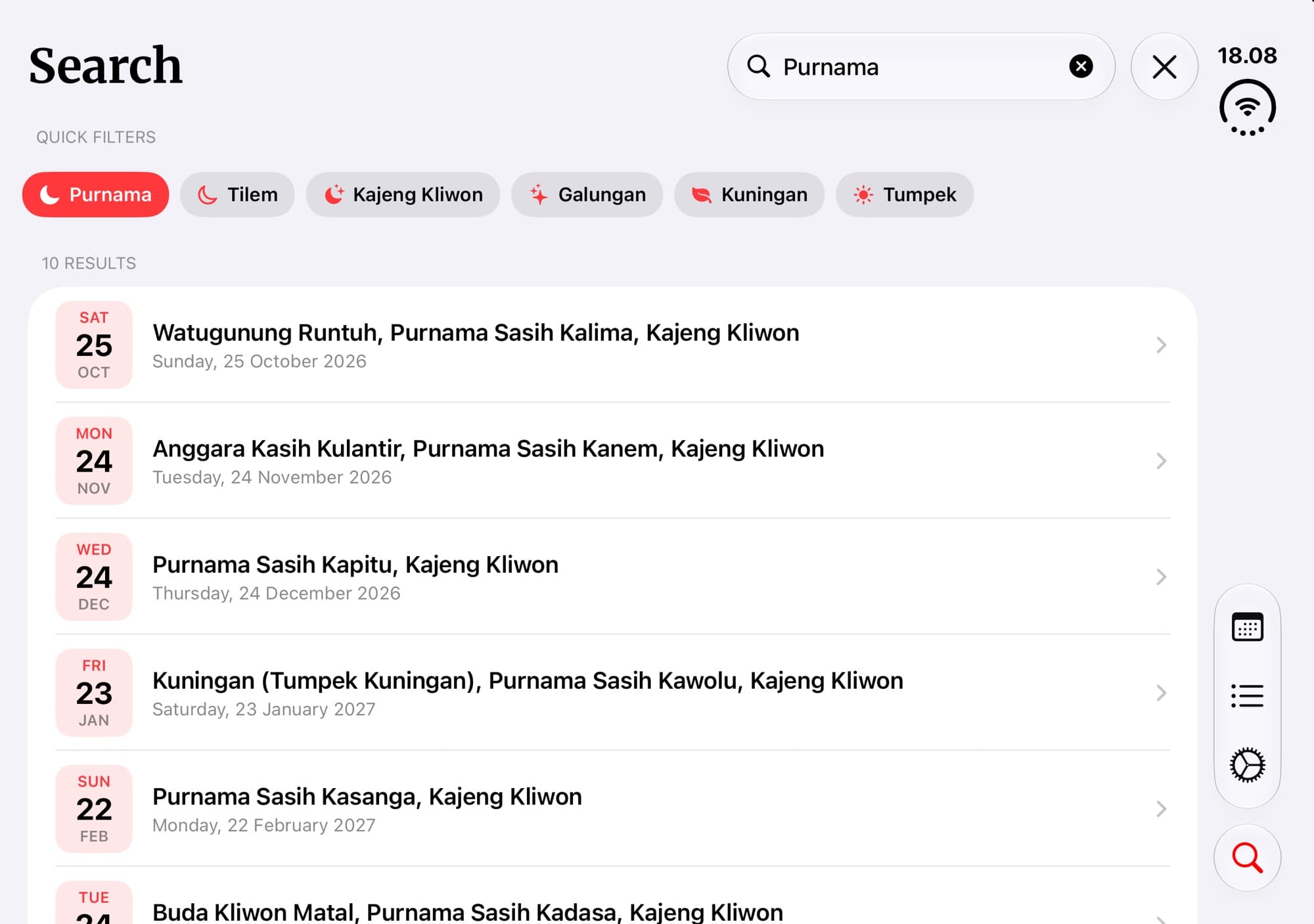
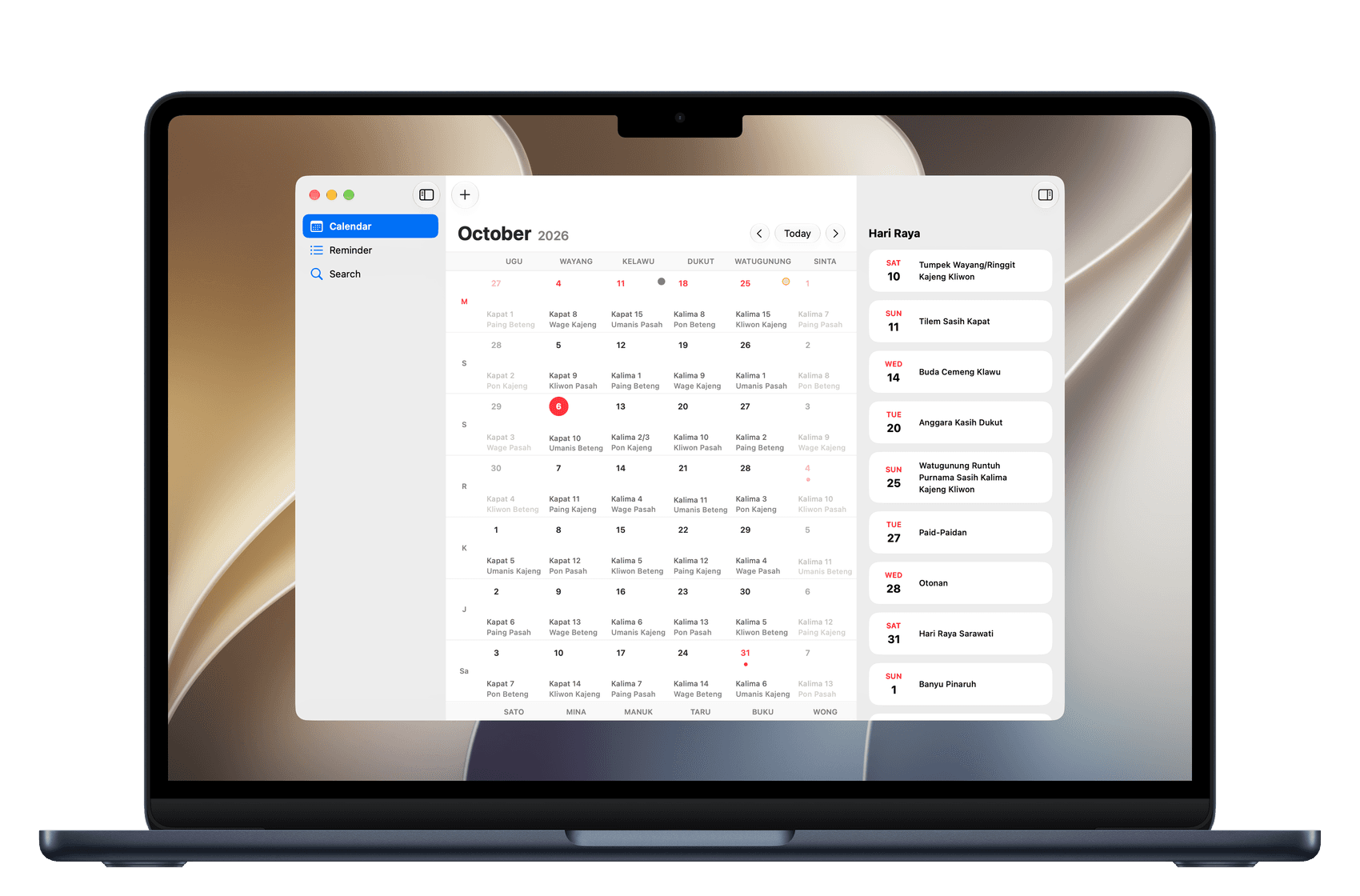
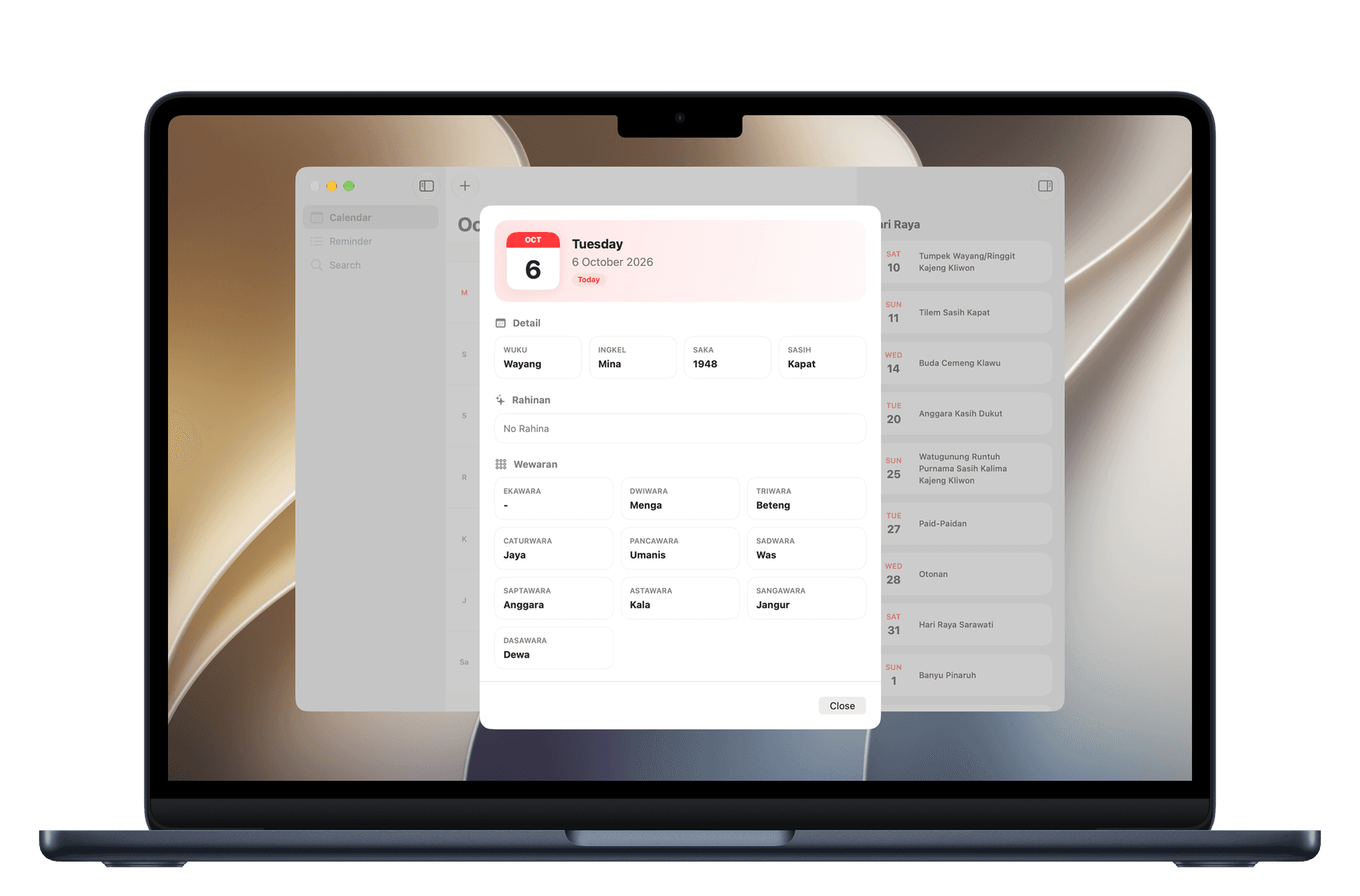
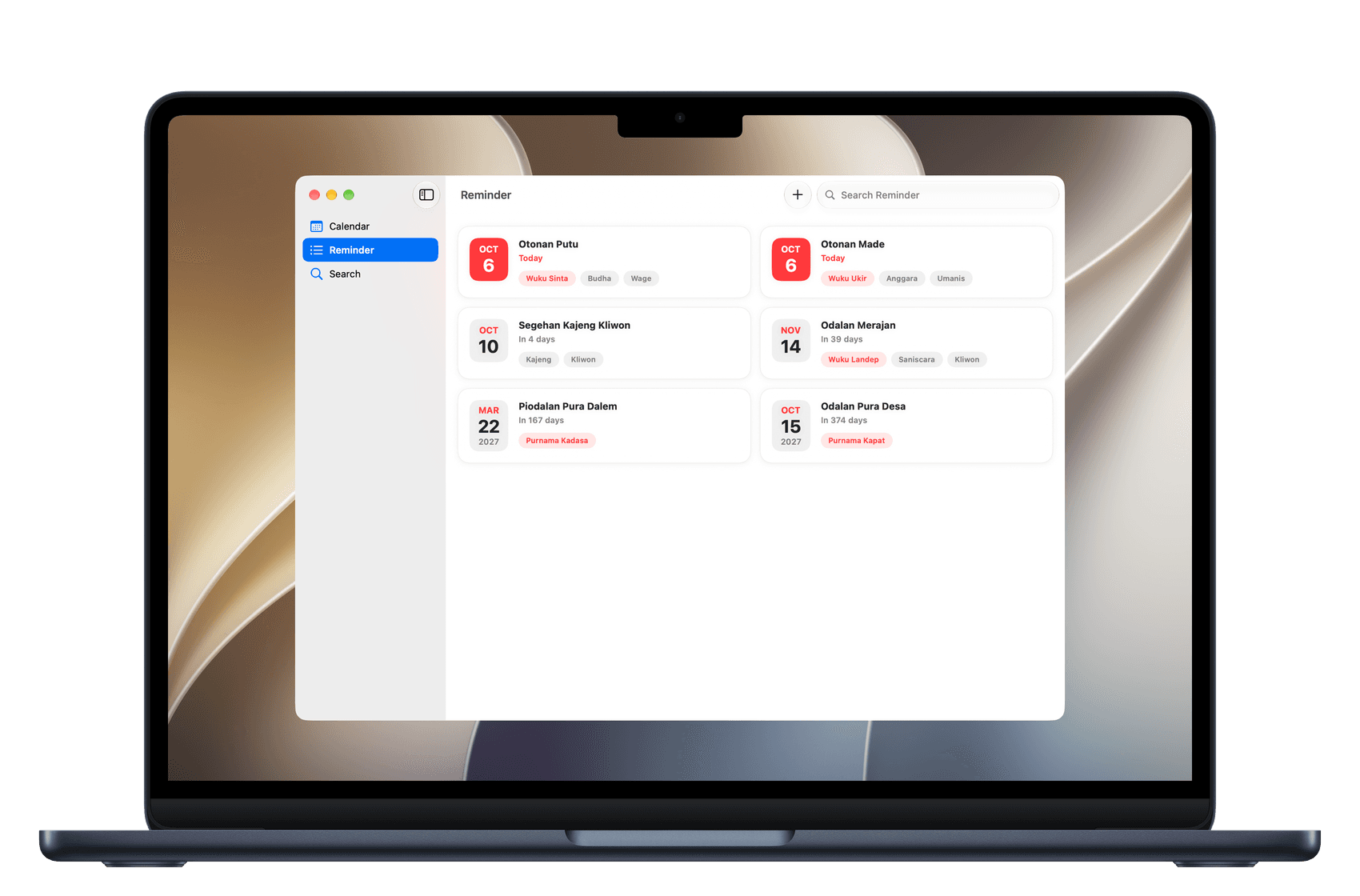
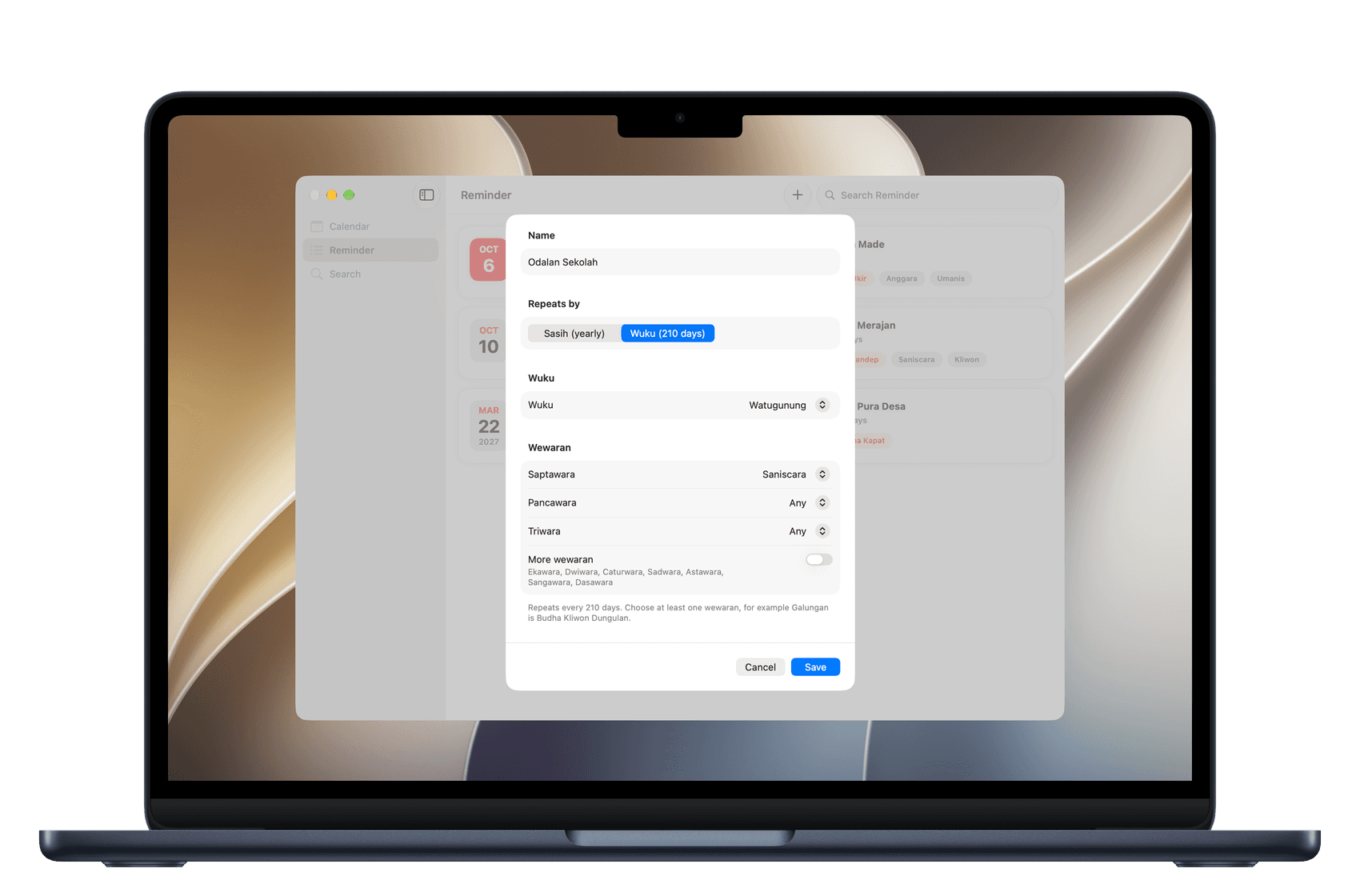
Everything you need, at a glance.
Holy days, national holidays, and your own reminders — on your Home Screen, your Lock Screen, and in iCloud.
Indonesian national holidays
National holidays and cuti bersama appear right on your calendar, taken from the official Indonesian government schedule. Turn them on or off in Settings.
| 1 | Jan New Year's Day |
| 1 | Jun Pancasila Day |
| 17 | Aug Independence Day |
| 25 | Dec Christmas Day |
Widgets
The redesigned widget shows today's rahina and the next holy days on your Home Screen.
Lock Screen
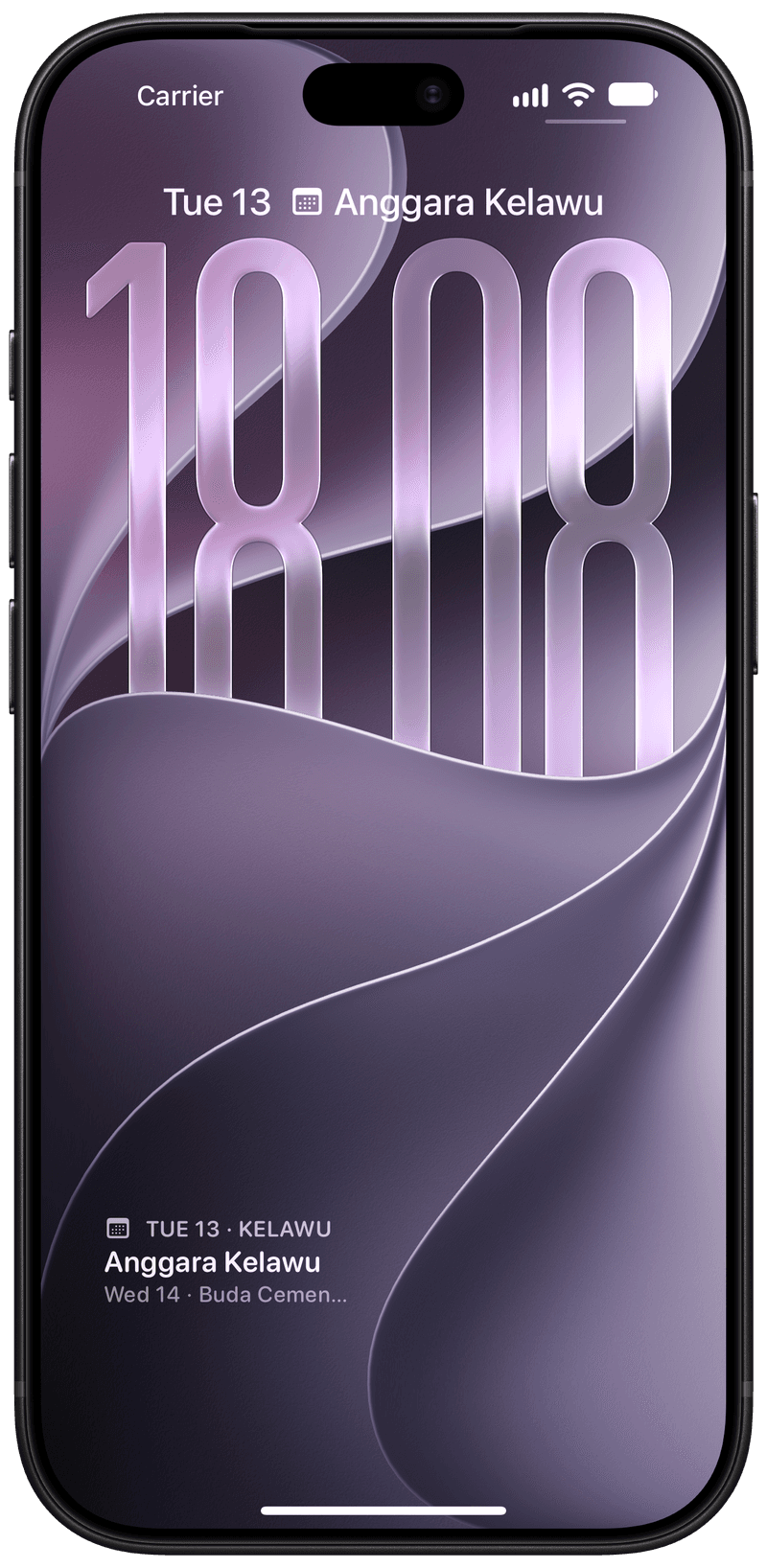
See today's rahina right from your Lock Screen.
iCloud backup
Turn on iCloud Backup and your reminders stay safe and in sync across your devices.
Siri & Shortcuts
Automate holy days in a single step with App Intents.
All Balinese calendar data is stored on your device.
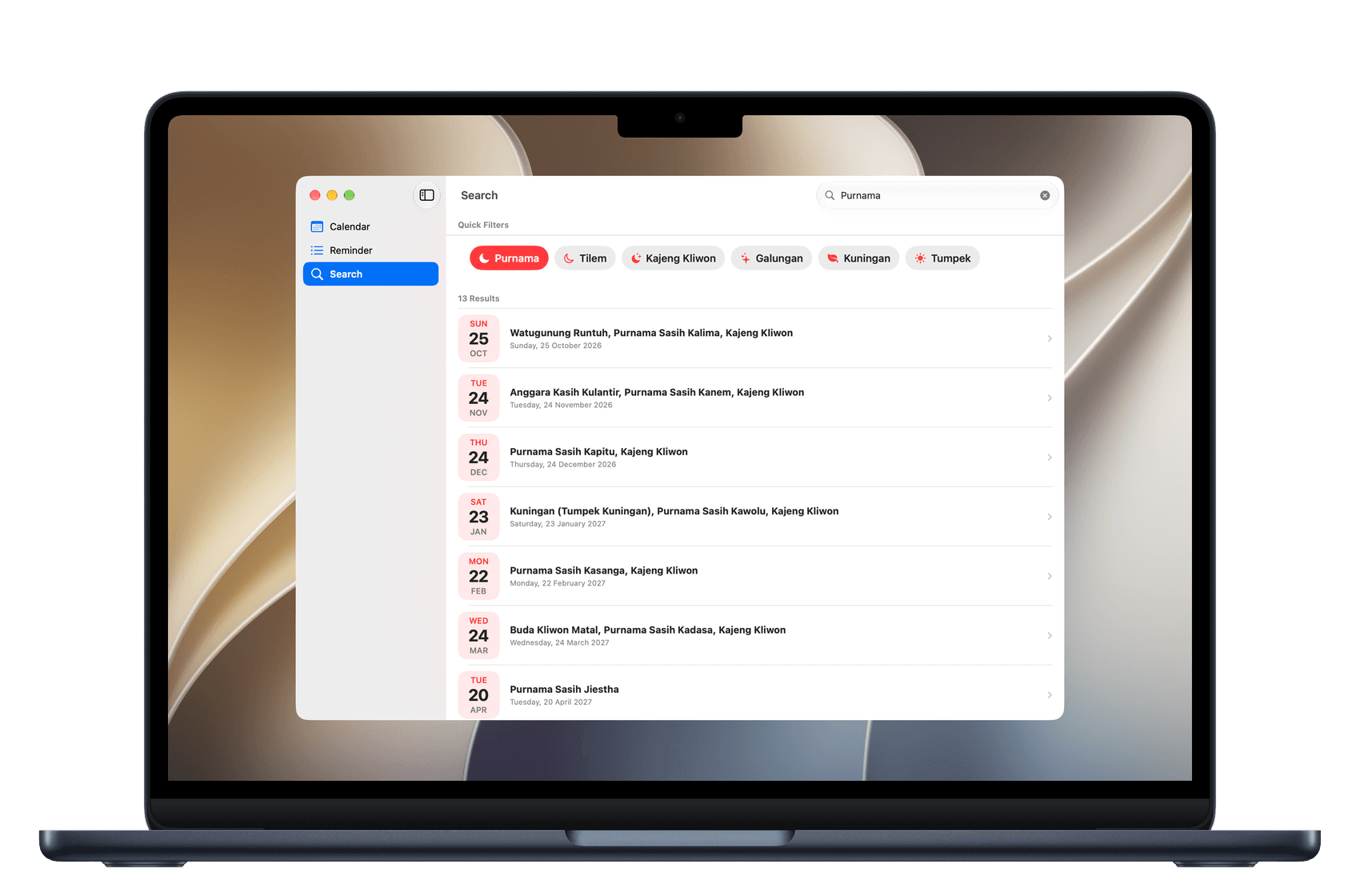
Not a web-view. Opens fast, easy on your battery.
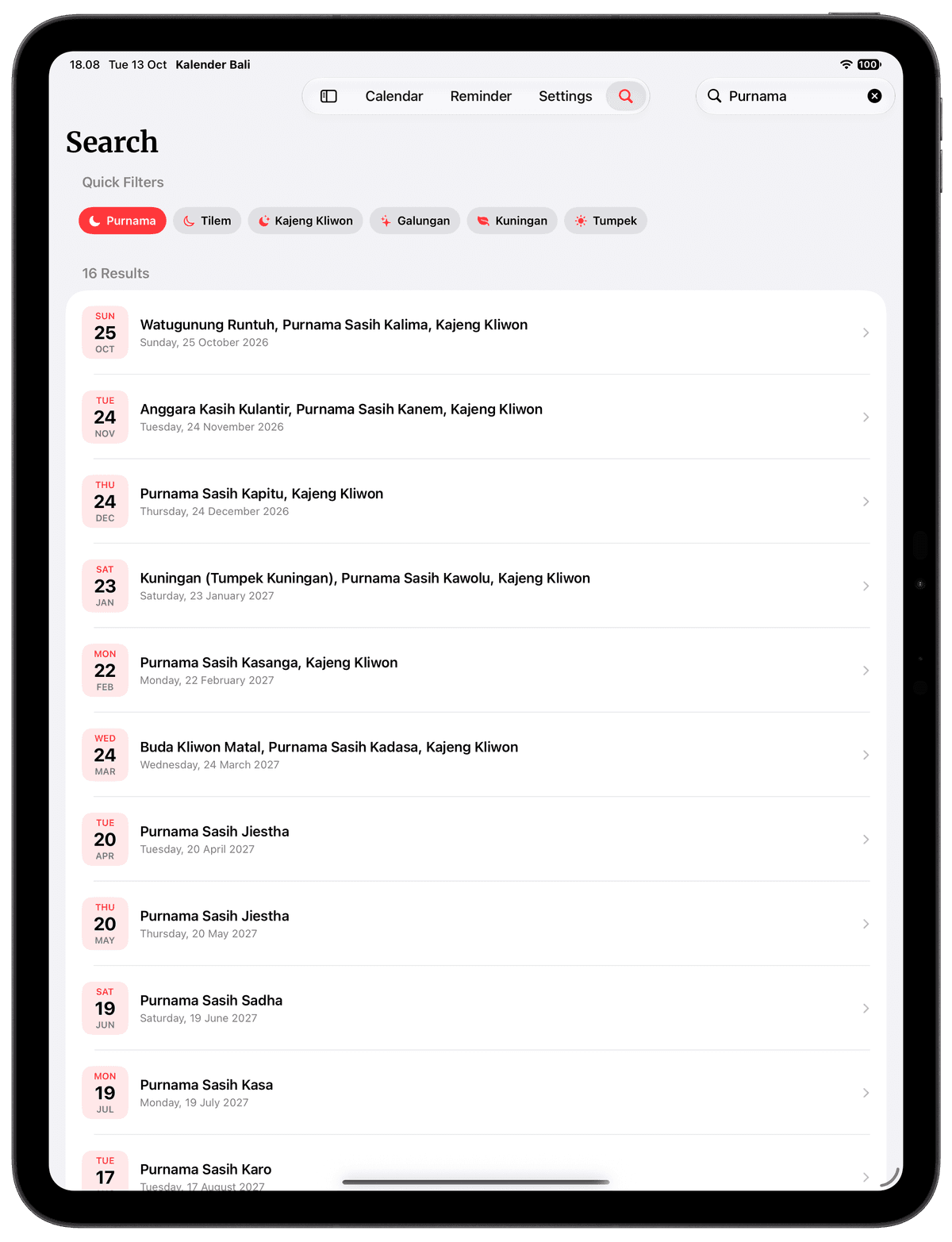
Find Purnama, Tilem, or Kajeng Kliwon in a tap.
Made for your wrist.
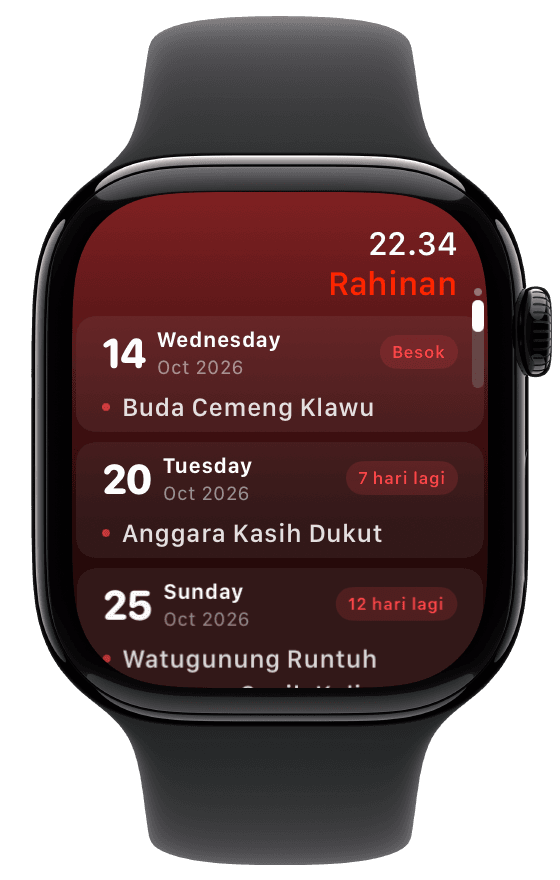
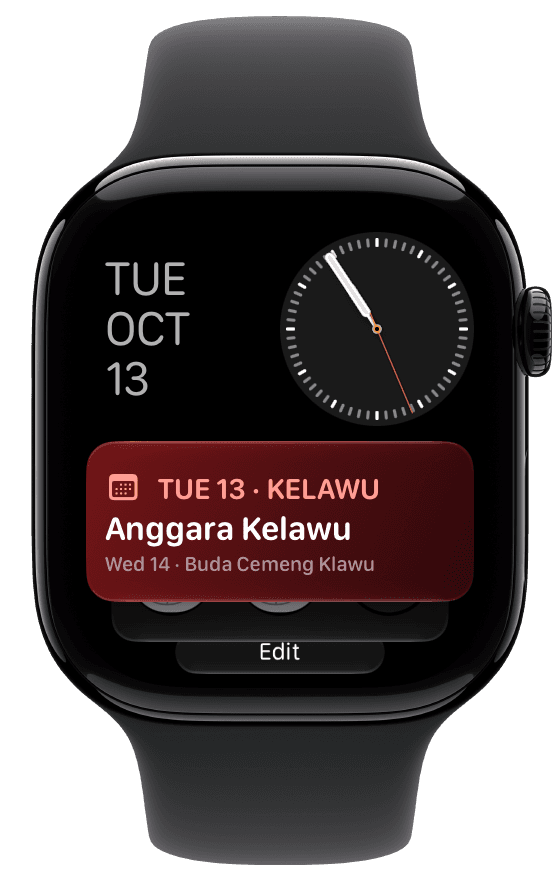
The Apple Watch app has a whole new look — warm, clear, and easy to read at a glance.
- i.
Today at a glance
The date, wewaran, wuku, sasih, and today's rahinan.
- ii.
Upcoming rahinan
The coming holy days, each with a countdown.
- iii.
Smart Stack widget
Today's wuku and the next rahina, right on your watch face.
Questions, answered.
About the calendar, the national holidays, and your reminders.
01Where do the Indonesian national holidays come from?
From the Joint Decree of three ministers (SKB 3 Menteri): the Minister of Religious Affairs, the Minister of Manpower, and the Minister of Administrative and Bureaucratic Reform. Each year it sets the national holidays and cuti bersama, and Kalender Bali shows them on your calendar.
Read the 2027 decree on setneg.go.id02Which years of national holidays are included?
For now, 2026 and 2027. National holidays for 2028 onward will be added once the government publishes the SKB 3 Menteri for that year.
03Can I hide the national holidays?
Yes. Turn national holidays and cuti bersama on or off in Settings.
04Does Kalender Bali work offline?
Yes. All Balinese calendar data is stored on your device, so wuku, sasih, and rahinan are there without an internet connection.
05Which devices can I use it on?
iPhone, iPad, Mac, and Apple Watch through the App Store, and Windows through the Microsoft Store. It's free on both.
06Will I lose my reminders when I change phones?
Not with iCloud Backup turned on. Your reminders are backed up to iCloud and kept in sync across your devices.
07How can I try new features early?
Join the beta through TestFlight and get new versions before they reach the App Store.
Join the TestFlight beta
Start your day with Kalender Bali.
Free on the App Store for iPhone, iPad, Mac, and Apple Watch, and on the Microsoft Store for Windows.